


In today’s digital age, having a professional and dynamic website is essential for every business. Whether you run a startup, a real estate agency, or a small business, your website is often the first impression your customers will have. Using High-Impact WordPress Websites Using Elementor & JetEngine , you can create websites that are visually appealing, functional, fast, and easy to manage.
Why Your Business Needs a High-Impact Website
A website is more than just a digital brochure. For startups, real estate owners, and small business entrepreneurs, a high-impact website can:
- Increase credibility: A professional design builds trust.
- Generate leads: Integrated forms and calls-to-action help convert visitors into clients.
- Showcase services or properties: Dynamic listings highlight what you offer efficiently.
- Save time: Easily update content without relying on developers.
- Support marketing campaigns: SEO-friendly pages boost visibility on Google.
Example :
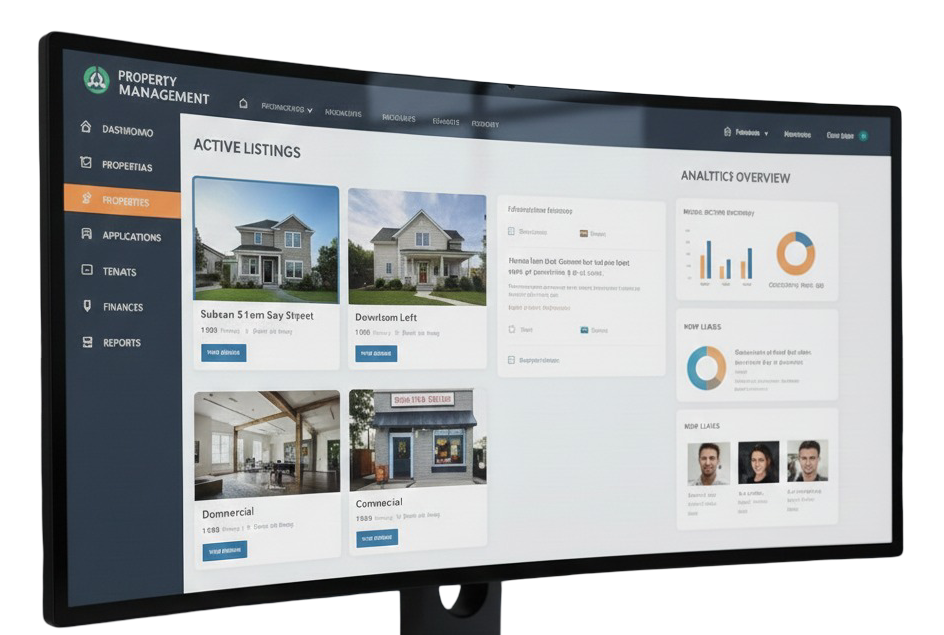
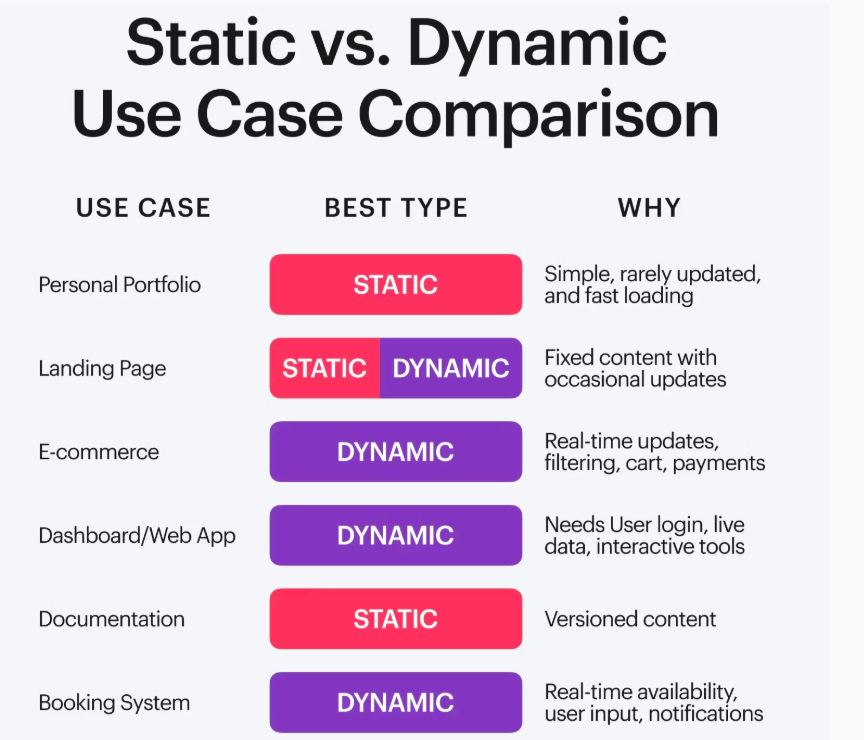
For instance, a real estate agent using dynamic property listings can let potential buyers filter by location, price, or type, providing a professional user experience that static websites cannot match.
Why Choose WordPress, Elementor & JetEngine
WordPress: The Foundation
WordPress powers over 40% of websites worldwide. Its flexibility, ease of use, and plugin ecosystem make it the perfect choice for businesses of all sizes.
Elementor: The Visual Builder
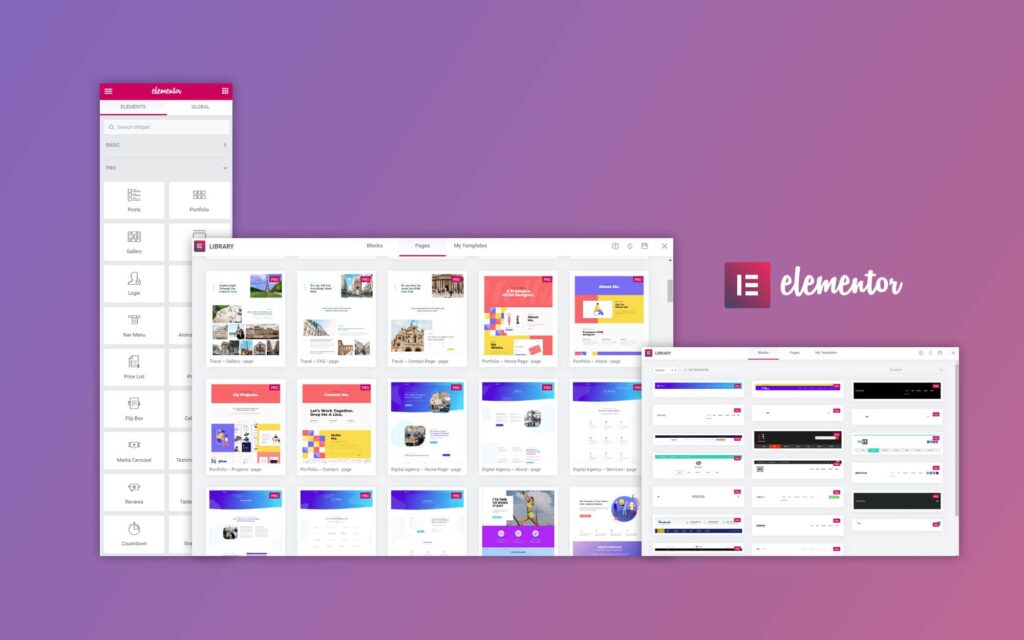
Elementor Pro allows you to design visually stunning pages without touching code. Its drag-and-drop editor, templates, and widgets let you build websites quickly and easily.
JetEngine: Dynamic Content Made Easy
JetEngine takes WordPress to the next level. With JetEngine, you can:
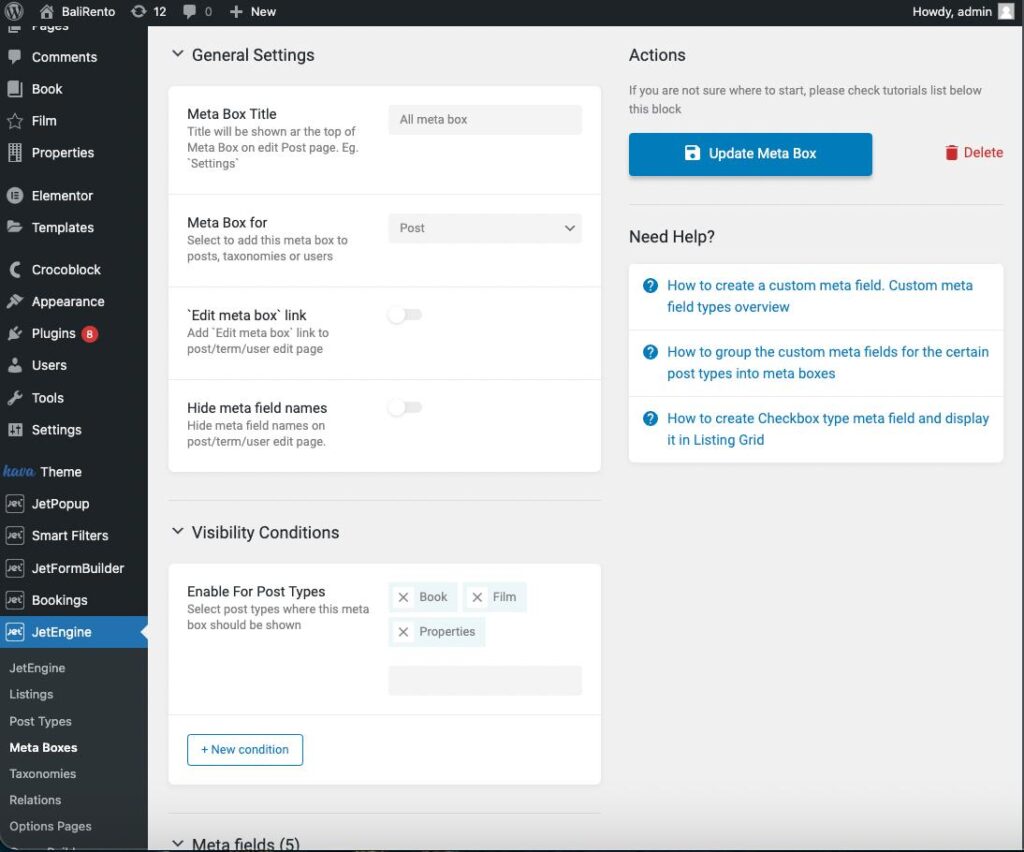
- Create Custom Post Types (CPTs) for properties, projects, or services.
- Build custom fields for unique content like price, location, or client info.
- Display dynamic listings such as property catalogs or service directories.
- Connect content through relationships (e.g., link clients to projects).
Example
A startup can showcase services dynamically, updating content in one place while reflecting changes across multiple pages instantly.
Step-by-Step Approach to Building a High-Impact Website
1. Plan Your Website Structure
Before designing, map out your pages:
- Home: Hero section, overview of services, call-to-action.
- About: Company mission, team introduction.
- Services: List of services with descriptions.
- Portfolio / Projects: Showcase past work dynamically.
- Testimonials: Highlight client feedback.
- Contact: Form, map, and contact details.
2. Design With Elementor Pro
- Use pre-made templates for faster setup.
- Customize headers, footers, and CTAs to match your brand.
- Add interactive elements like sliders, accordions, and dynamic forms.
- Ensure mobile responsiveness for all devices.
3. Add Dynamic Content With JetEngine
Dynamic content makes your website scalable and manageable:
- Custom Post Types (CPTs): Add “Properties,” “Projects,” or “Services.”
- Custom Fields: Include price, location, or client details.
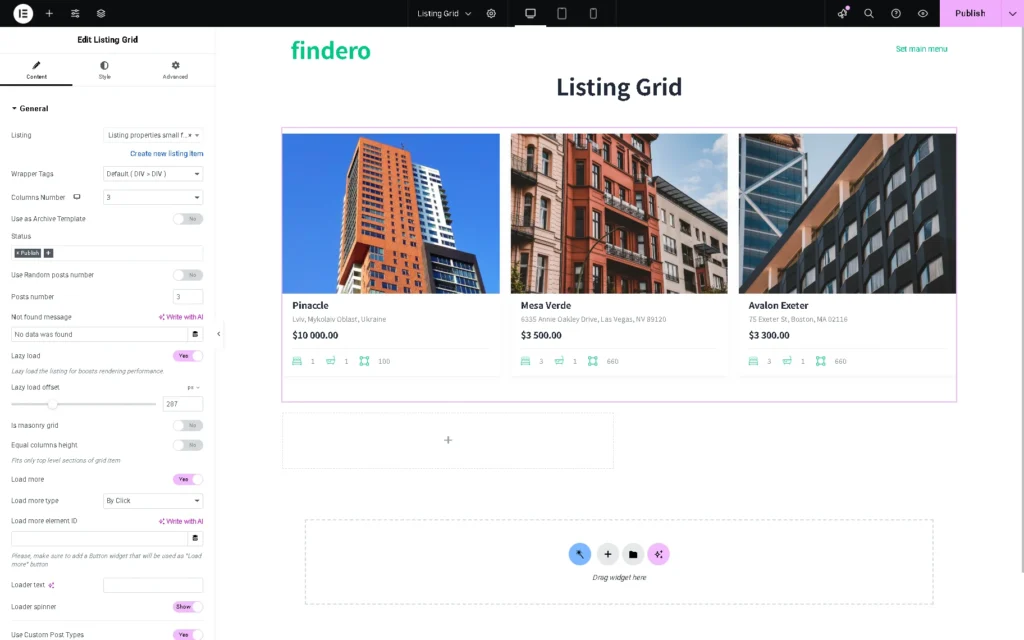
- Listing Grids: Display content dynamically in cards, tables, or sliders.
- Relationships: Link related content, such as testimonials to projects.
Example
A real estate website can automatically list new properties with images, price, and descriptions, all pulled from a single backend update.
4. Optimize for SEO
- Use main keyword naturally in headings, meta title, and description.
- Include long-tail keywords like “WordPress Websites for Startups” or “Dynamic Elementor Websites” in the content.
- Add internal links to your services, portfolio, and contact pages.
- Compress images and use caching plugins for fast loading.
- Ensure mobile-friendly design for better UX.
5. Incorporate Lead Generation
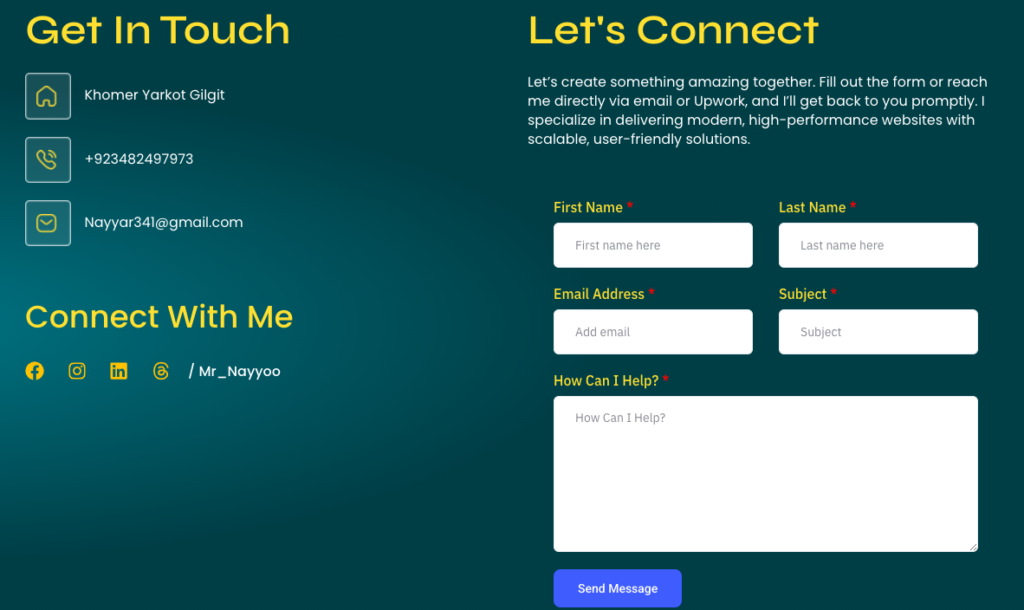
- Contact forms: Use Elementor forms connected to email or CRM.
- Call-to-action buttons: Place strategically on Home and Service pages.
- Email capture: Offer newsletters or downloadable resources.
Example
A startup can offer a free consultation form that automatically sends lead details to your email, saving time and increasing conversion.
6. Maintain & Update Your Website
- Regularly add blog posts targeting your audience.
- Update portfolio and services as your business grows.
- Check broken links and optimize images for speed.
Benefits of Using Elementor & JetEngine for Businesses
- Drag & Drop Design: Quick updates, no coding.
- Custom Post Types: Showcase properties, services, portfolios.
- Dynamic Listings: Auto-update content across multiple pages.
- Forms & Lead Capture: Convert visitors into clients.
- SEO-Friendly: Higher Google rankings and visibility.
- Mobile-Responsive: Better user experience and engagement.
Tips for Creating a Website That Converts
- Focus on user experience: Simplify navigation.
- Highlight services clearly using headings and bullets.
- Use professional visuals: High-quality images increase trust.
- Add social proof: Testimonials, awards, client logos.
- Optimize CTAs: Clear actions for visitors.
- Publish regular blog posts: Boost SEO and show expertise.
Common Mistakes to Avoid
- Overloading pages with too much content.
- Ignoring mobile optimization.
- Using generic templates without customization.
- Skipping SEO optimization.
- Not updating dynamic content regularly.
Frequently Asked Questions
Yes. WordPress and Elementor are cost-effective, and JetEngine allows dynamic content without ongoing developer costs.
Use Custom Post Types for properties, custom fields for details, and listing grids to display them dynamically. Updates reflect site-wide automatically.
Yes. Both produce clean code, mobile-friendly pages, and fast loading websites. Combined with proper keywords, meta titles, and internal links, your site can rank higher on Google.